Year
2026
My Role
UI/UX Designer
Responsibility
UX Flow / UI Design / Front-end Development with Claude Code
Background
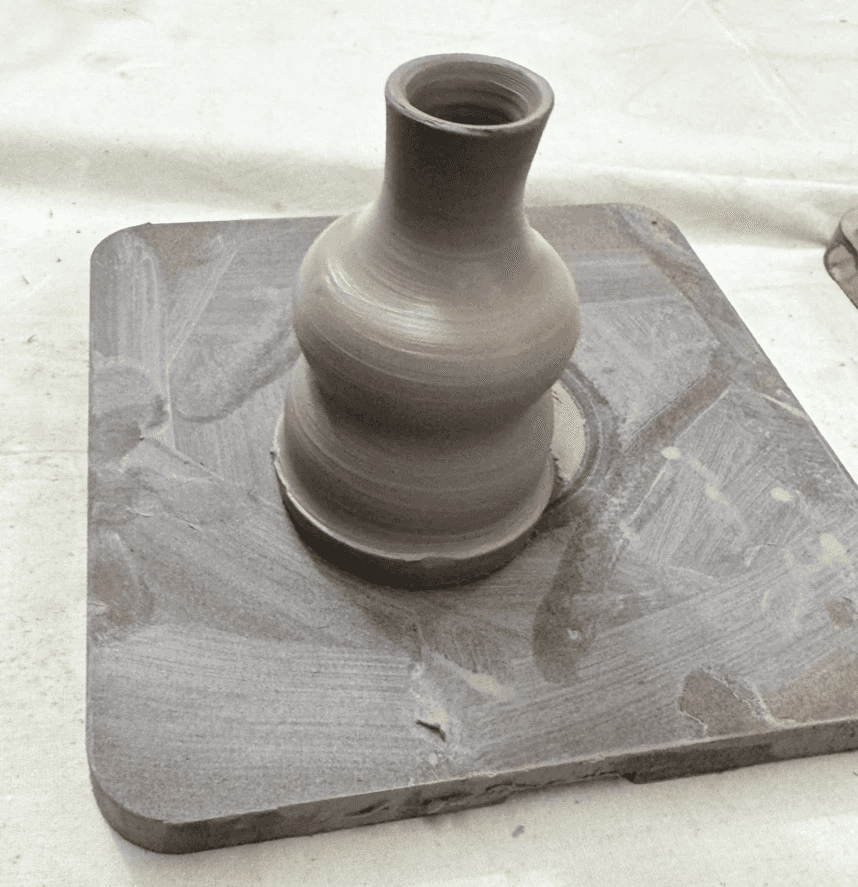
Muddy Club is a casual ceramics group I run with friends. Every week, we meet at a friend's studio to throw pottery. The studio owner doesn't charge for teaching—the atmosphere is relaxed, with no structured curriculum. People bring reference photos of what they want to make, and the owner teaches the relevant techniques on the spot.
Two pain points kept showing up:
Firing fees are hard to calculate
Fees are based on the volume of each piece, but the rules aren't intuitive for beginners—everyone has to do the math by hand every time. The studio owner also struggles to keep track of revenue.
Borrowed inspiration leads to lookalike work
Without a structured curriculum, everyone pulls inspiration from Instagram and Pinterest. The result is that finished pieces end up looking a lot like the references, with little originality of their own.
A look at what's already out there
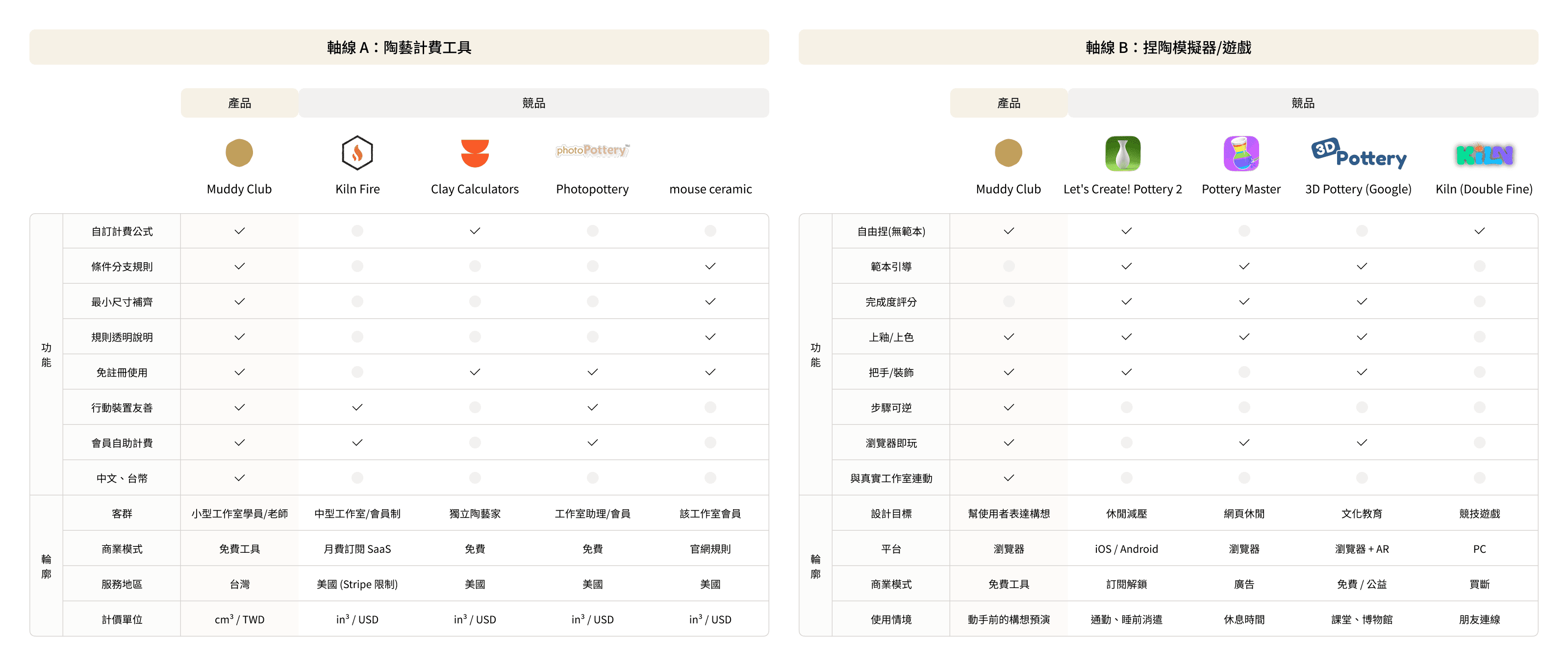
Before building anything, I did desk research on existing firing-fee calculators and pottery simulators / games.
What I found:
Track A · Pottery pricing tools
The mainstream pricing logic is consistent: volume × unit price + minimum fee. But every existing solution had its own limitations. Full-featured SaaS products like Kiln Fire are built around U.S. pricing conventions and imperial units. Free calculators are flexible, but can't handle conditional rules like "size brackets" or "minimum dimension rounding." None of them could be dropped into Muddy Club as-is.
Track B · Pottery simulators / games
Every existing simulator is built around the same mechanic: give a template → shape it to match → score the result. Their goal is entertainment or cultural education. But this is the opposite of what Muddy Club needs—our members don't lack references, they have too many. No existing product positions itself as a "tool for sketching out ideas before making them in real life."
After mapping both tracks, nothing on the market fit Muddy Club's situation. So I decided to build it myself.
Solution 1: A pricing tool that just works
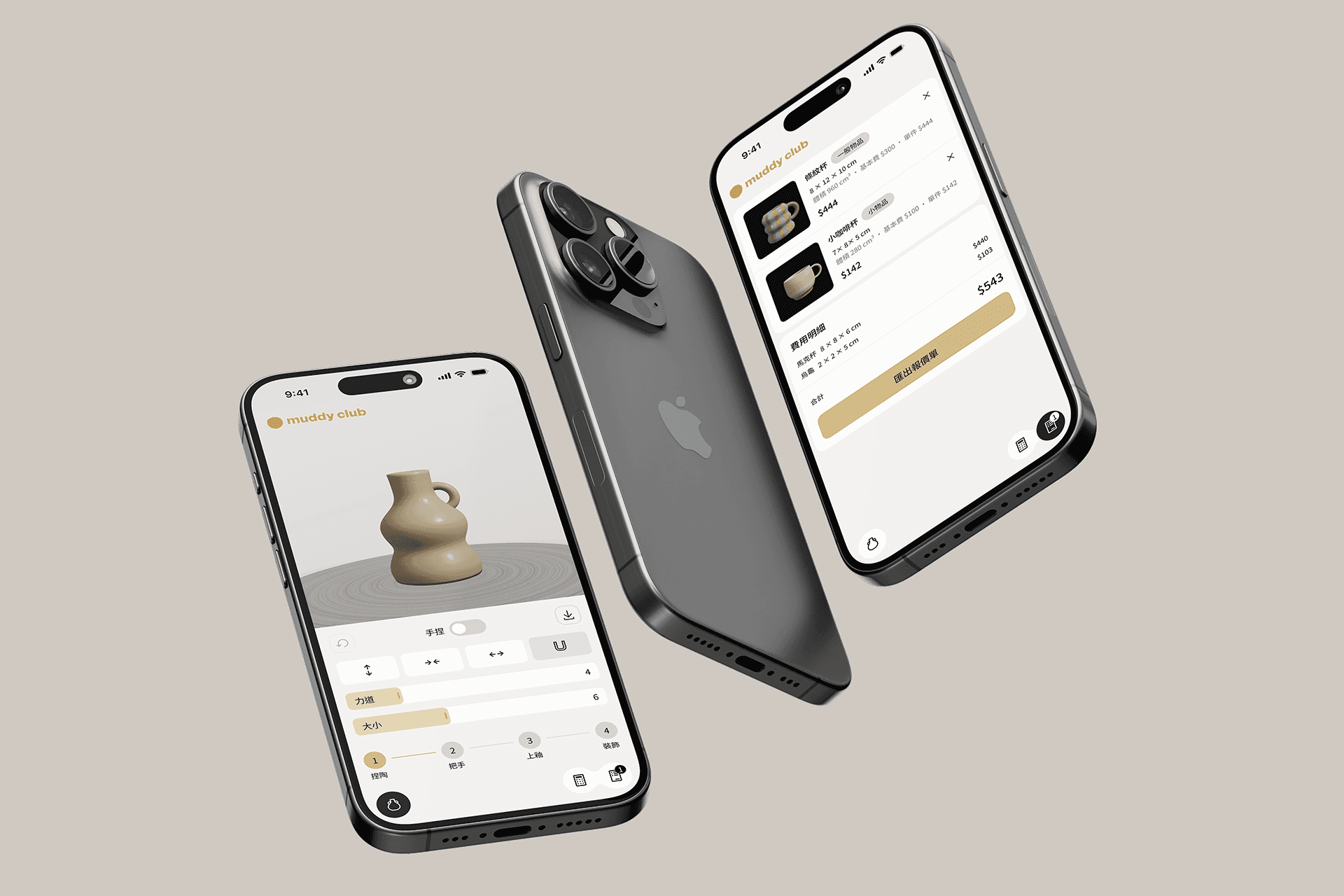
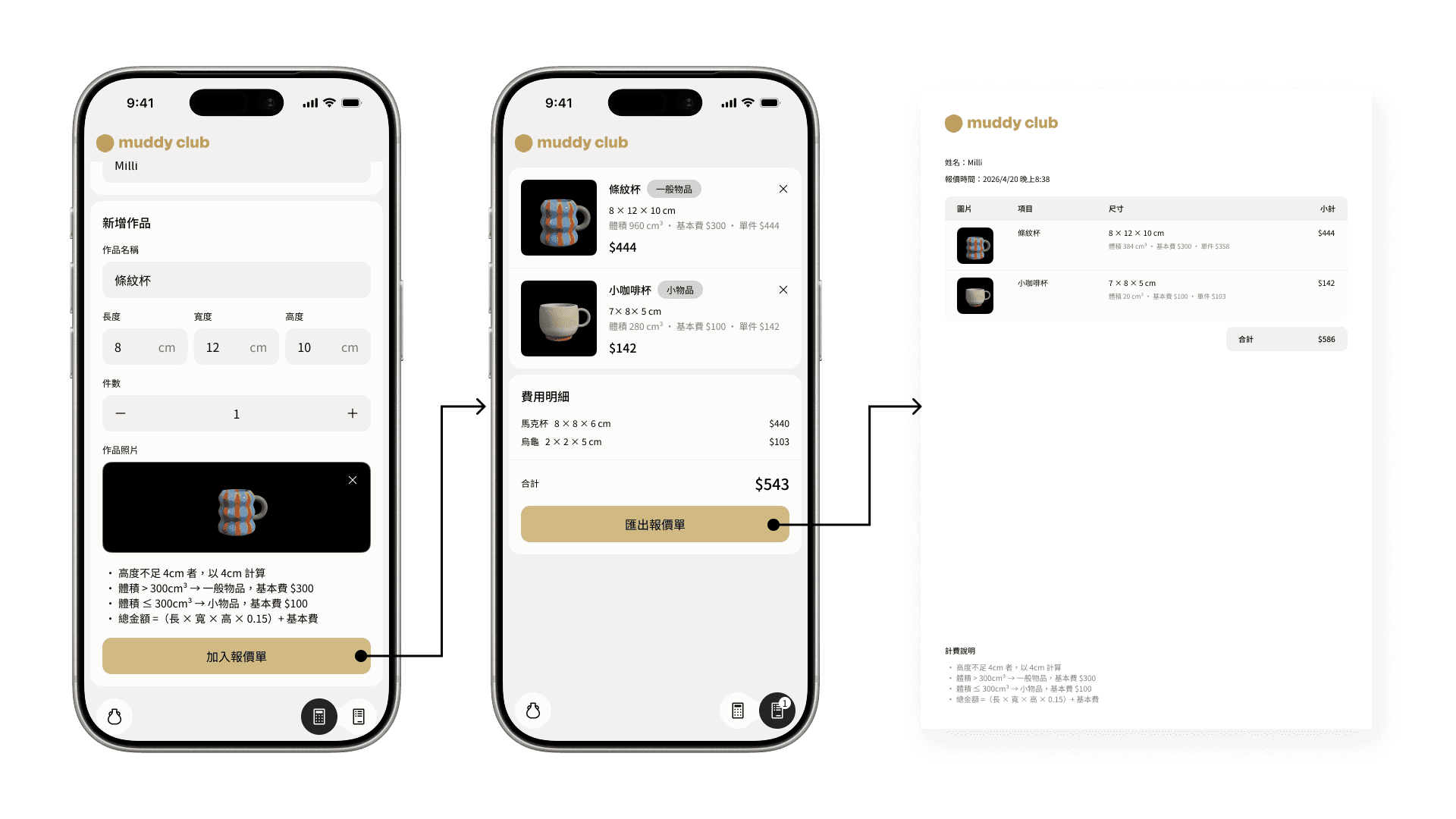
I built a simple calculator that turns the studio's pricing rules into a single flow: enter dimensions → get a quote. Users only need to measure the piece and type in the numbers; the conditional logic is hidden inside the tool.
Below the calculator, I kept the full pricing rules visible—so members can see exactly how their fee was calculated, not just the final number.
It's now in active use at Muddy Club. The owner uses it to issue quotes and track revenue, and members can estimate the cost of what they want to make before they even start.

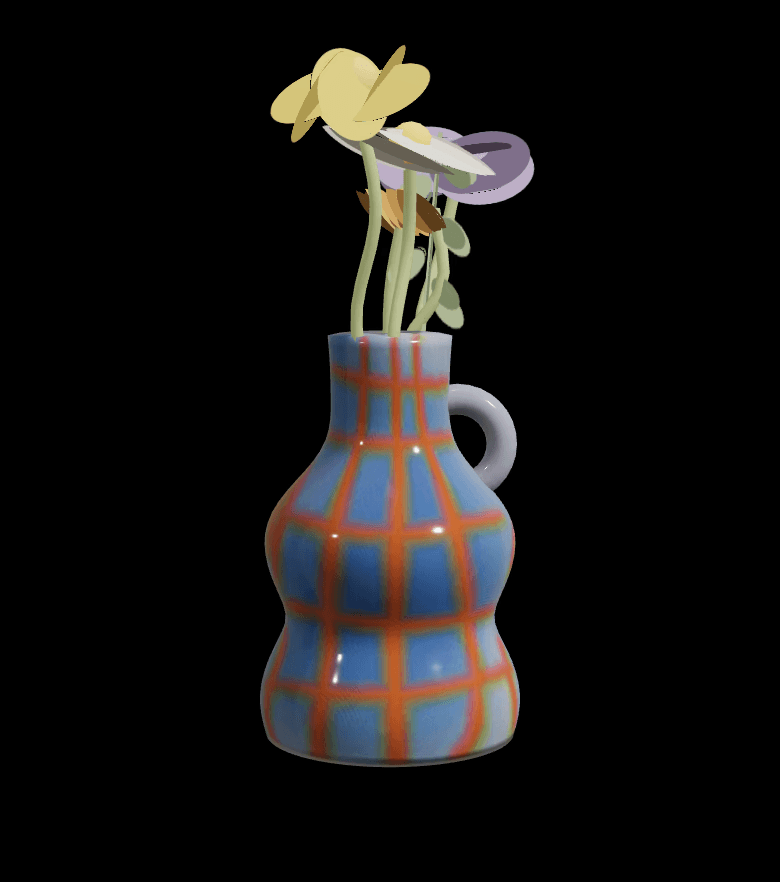
Solution 2: A realistic online pottery simulator
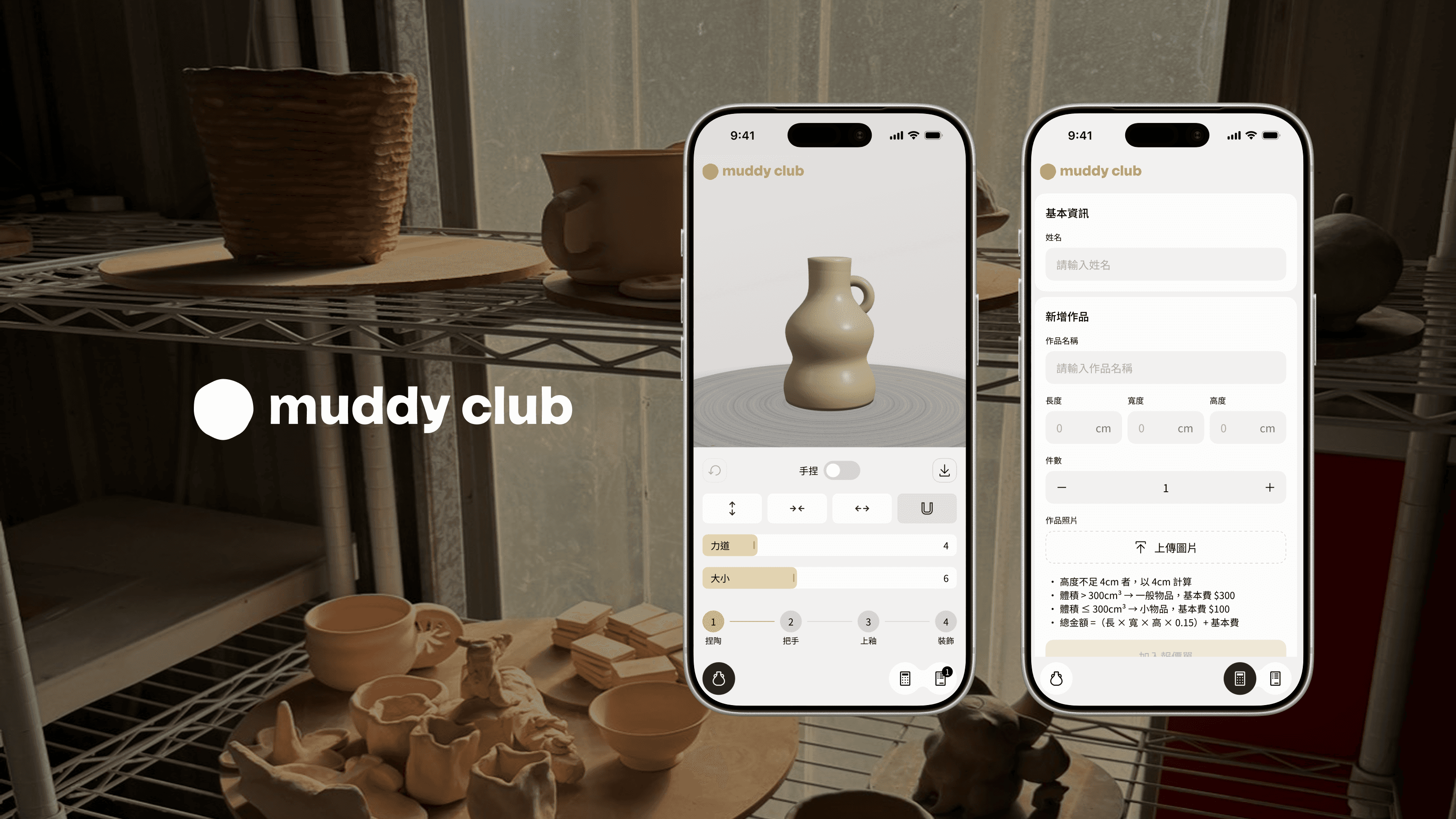
Throw → Handle → Glaze → Decorate
Mirroring the physical sequence of pottery
The flow itself is a form of implicit teaching. You can't glaze clay that hasn't taken shape, and you can't add a handle to a piece that's already been fired. By following the sequence, beginners absorb the underlying logic of ceramic work.
Reversible, not enforced
The four step indicators at the bottom double as a navigation bar. From step 4, you can jump back to step 1 and pull the piece taller. The order is a suggestion, not a constraint—because the goal is to help members shape an idea they can show to the owner, not to force them through a rigid tutorial.
A restrained, craft-aware visual language
Cream background, a single accent color (terracotta), a 4px spacing system, and no decorative UI elements. The simulator is a creative tool—visual noise would distract from the work itself.


Building with AI
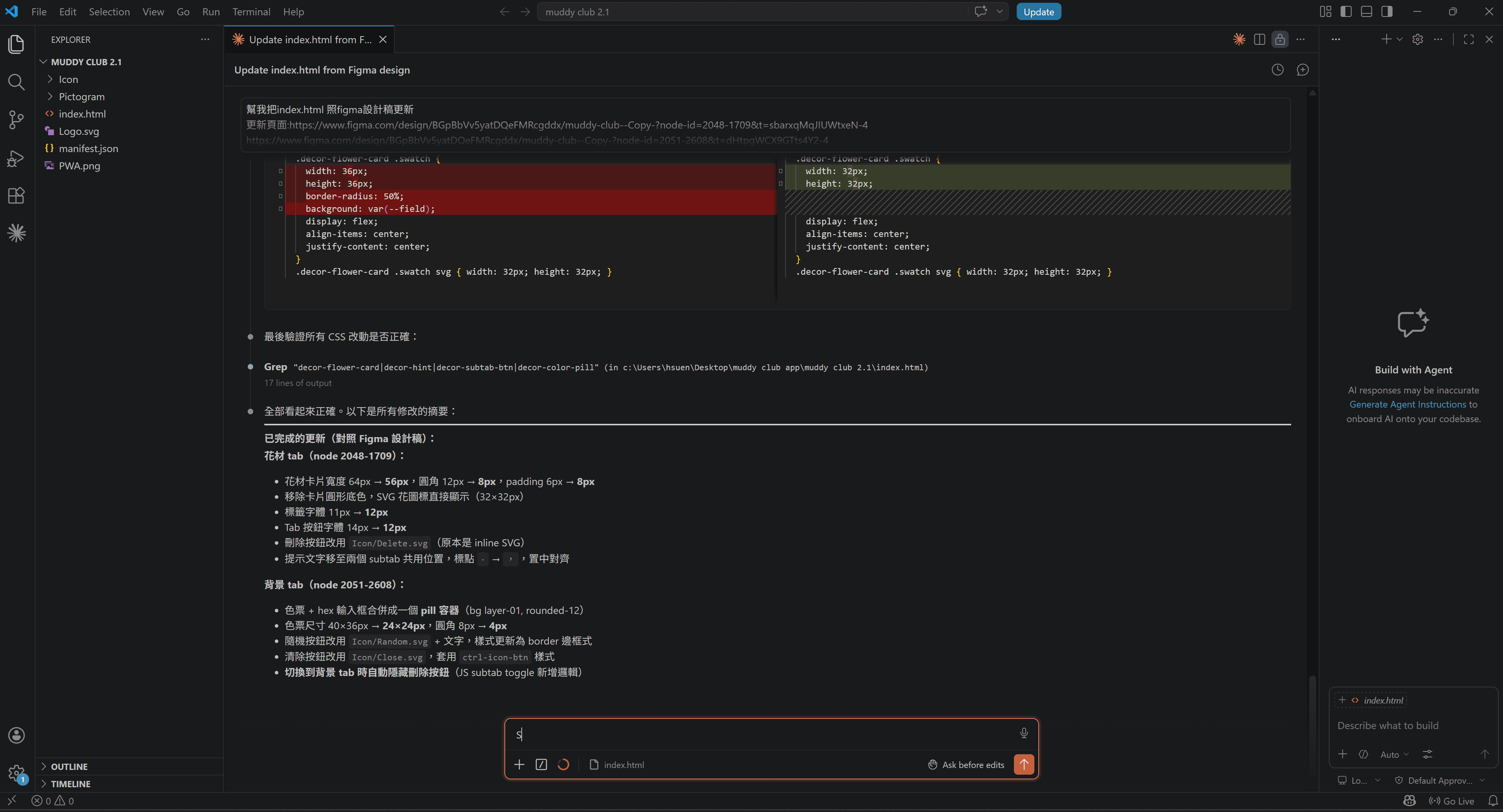
I used Claude Code with Figma MCP, letting the AI read directly from my design files and implement the front-end. I owned the UX design and the judgment calls; Claude handled the engineering. Rather than seeing AI as a replacement for designers, I see it as something that lets designers ship and iterate at a speed that wasn't possible before.
Outcomes
The pricing tool (in active use)
The calculator is now part of Muddy Club's weekly routine, with 10+ quotes issued so far. The manual math that used to happen before every firing has disappeared from studio conversations—the owner no longer has to explain the pricing rules from scratch each time, and a calculation that used to take three minutes now takes thirty seconds.
The simulator (now on v2.1)
The most interesting thing I noticed during member testing: people started sending screenshots of their own simulated pieces to our group chat, asking "can we actually make this?"—instead of forwarding IG posts of someone else's work. The feedback I heard most often was simply "this is cute" and "this is fun."
An unexpected side effect
Once the simulator went live, members started asking for things I hadn't planned for—"can we get more glaze colors?", "can the shape be more free-form?" It made me realize the tool wasn't just a pre-making sketchpad. It had quietly become a space where members wanted to keep playing and creating, even outside the studio.