Year
2024
My Role
UI/UX Designer
Responsibility
Backend UI Design / Online Form UX + UI
Background
From Paper to Digital
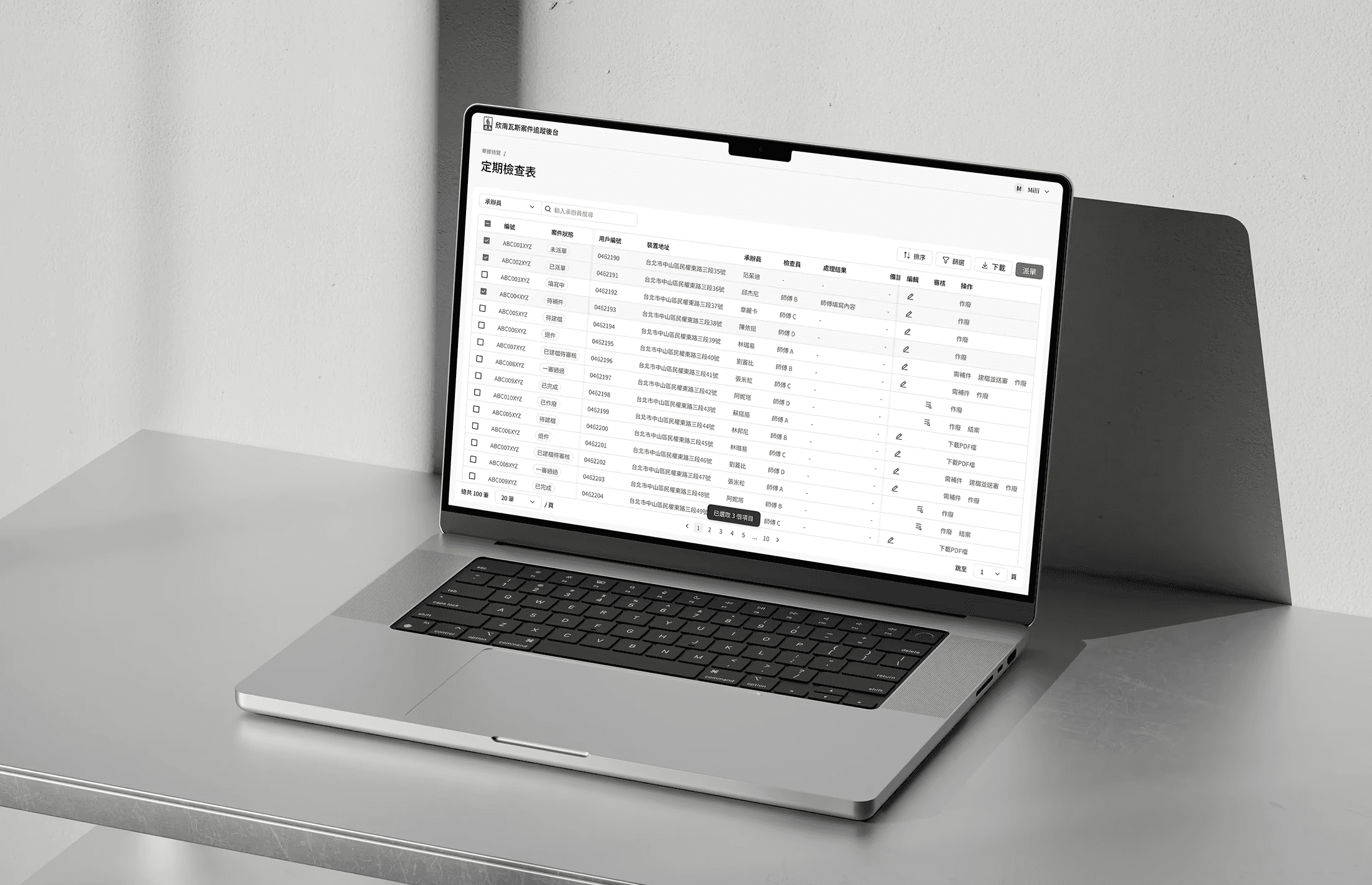
Shin-Nan Gas handles meter installation, removal, periodic pipeline inspections, and on-site service work. Operations were previously managed through paper-based workflows, making it difficult to track case status and causing field technicians' on-site documents to be frequently lost or delayed. The goal of this project was to design a case management backend and convert paper forms used by technicians and customers into online forms.
System Overview
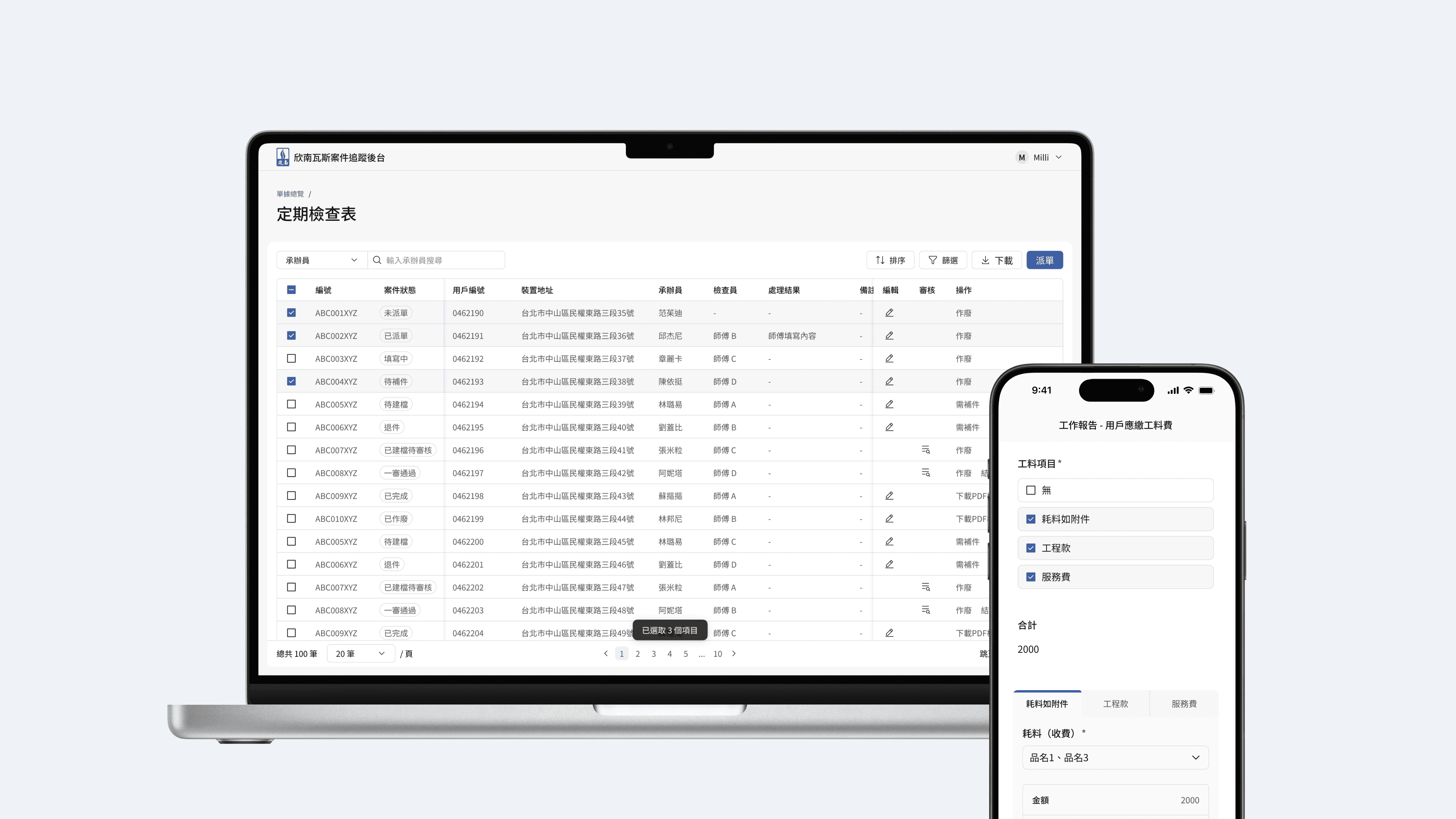
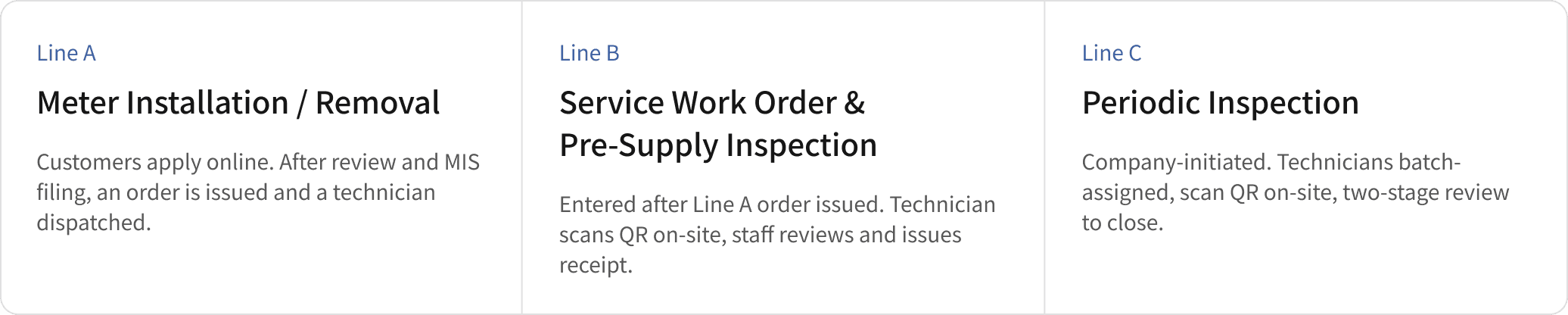
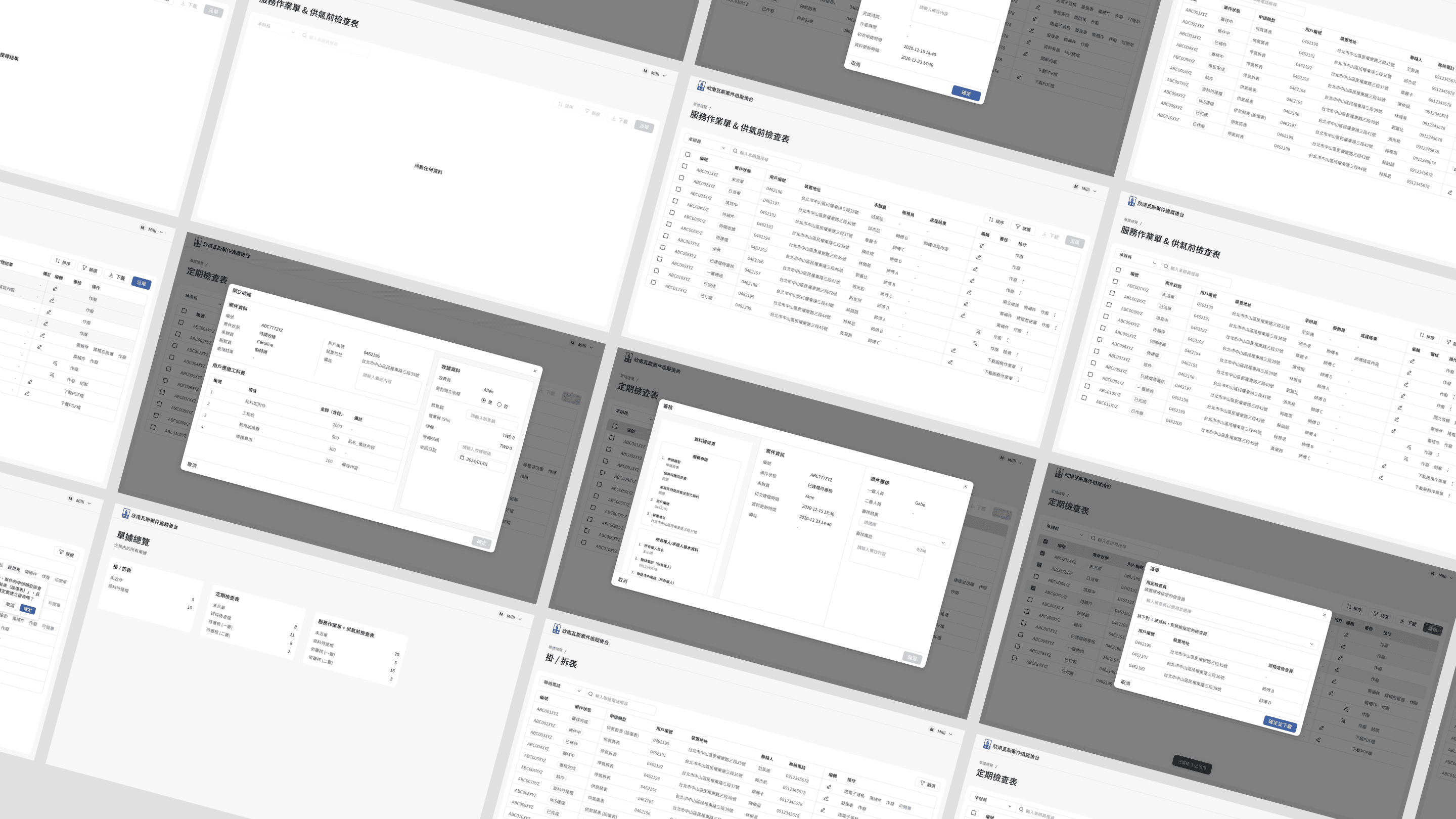
A unified interface to manage cases across all three business lines — from intake and review to dispatch and closure.
Backend Management System (Internal Staff)
A unified interface for all three business lines — from intake to closure.
Filter Interface
Due to the relatively complex data classification structure, we integrated the four filtering dimensions — Category, Status, Application Type, and Period — into a right-side Filter Panel to improve usability. When collapsed, the panel does not occupy screen space; when expanded, the filters are displayed as vertically arranged select components for easier operation. In addition, lower-level options dynamically update based on the selections made in higher-level categories, enabling more accurate and contextual filtering.

Operations per Case Stage
5+ stages across each business line
Available actions differ entirely depending on the current stage, and some actions are irreversible once taken.
The system only surfaces actions permitted at the current stage. The most critical next step is highlighted in a distinct color, secondary actions are tucked into a dropdown.
Irreversible actions require a confirmation dialog with copy that clearly explains the consequence.

Online Forms (Technicians & Customers)
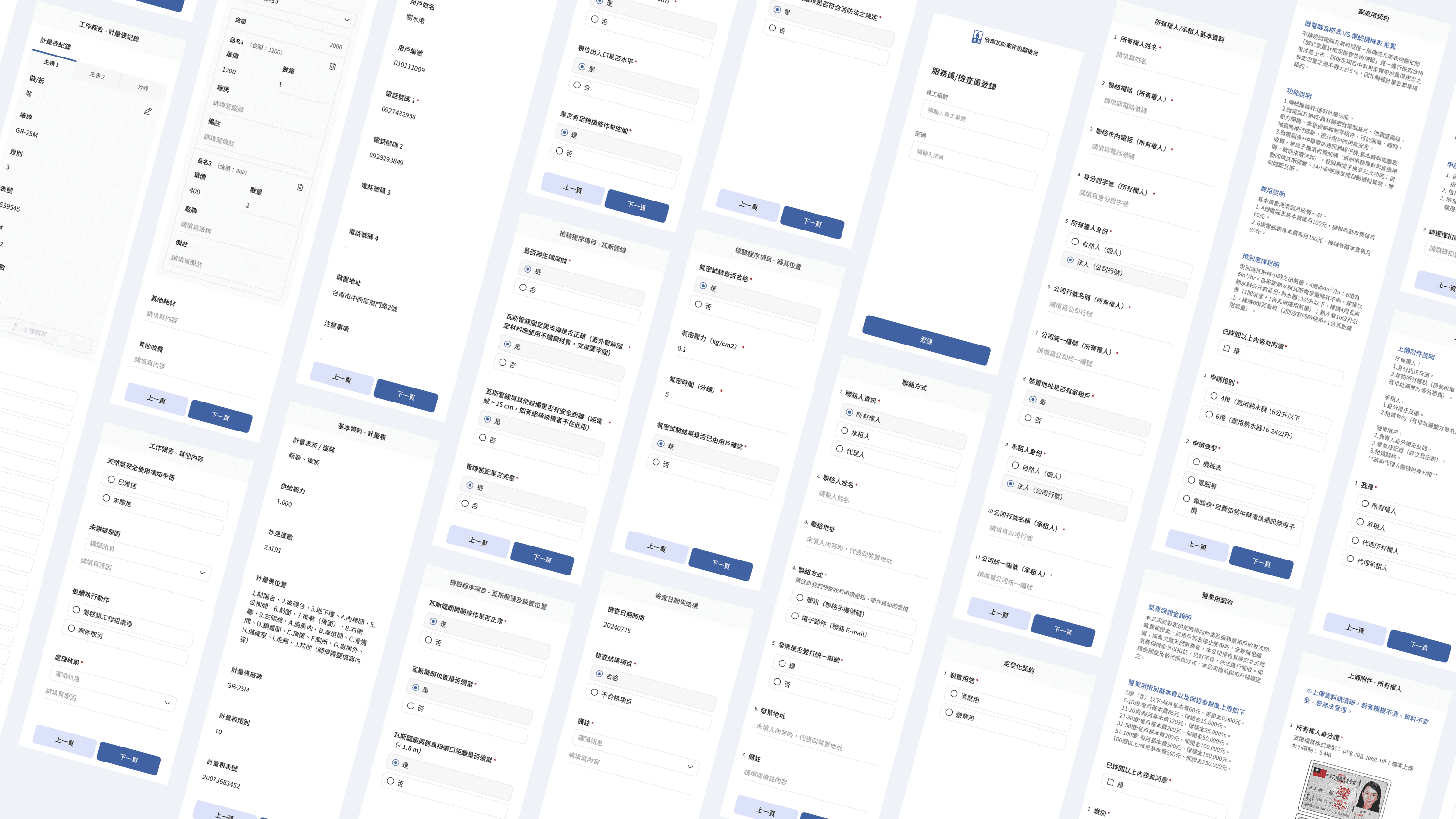
Converting paper forms into mobile interactive forms
Technicians scan a QR code on-site to fill in work reports; customers submit meter installation or removal requests via an online form. On the surface it looks like a format conversion. In practice, it meant solving interaction problems that simply don't exist on paper.
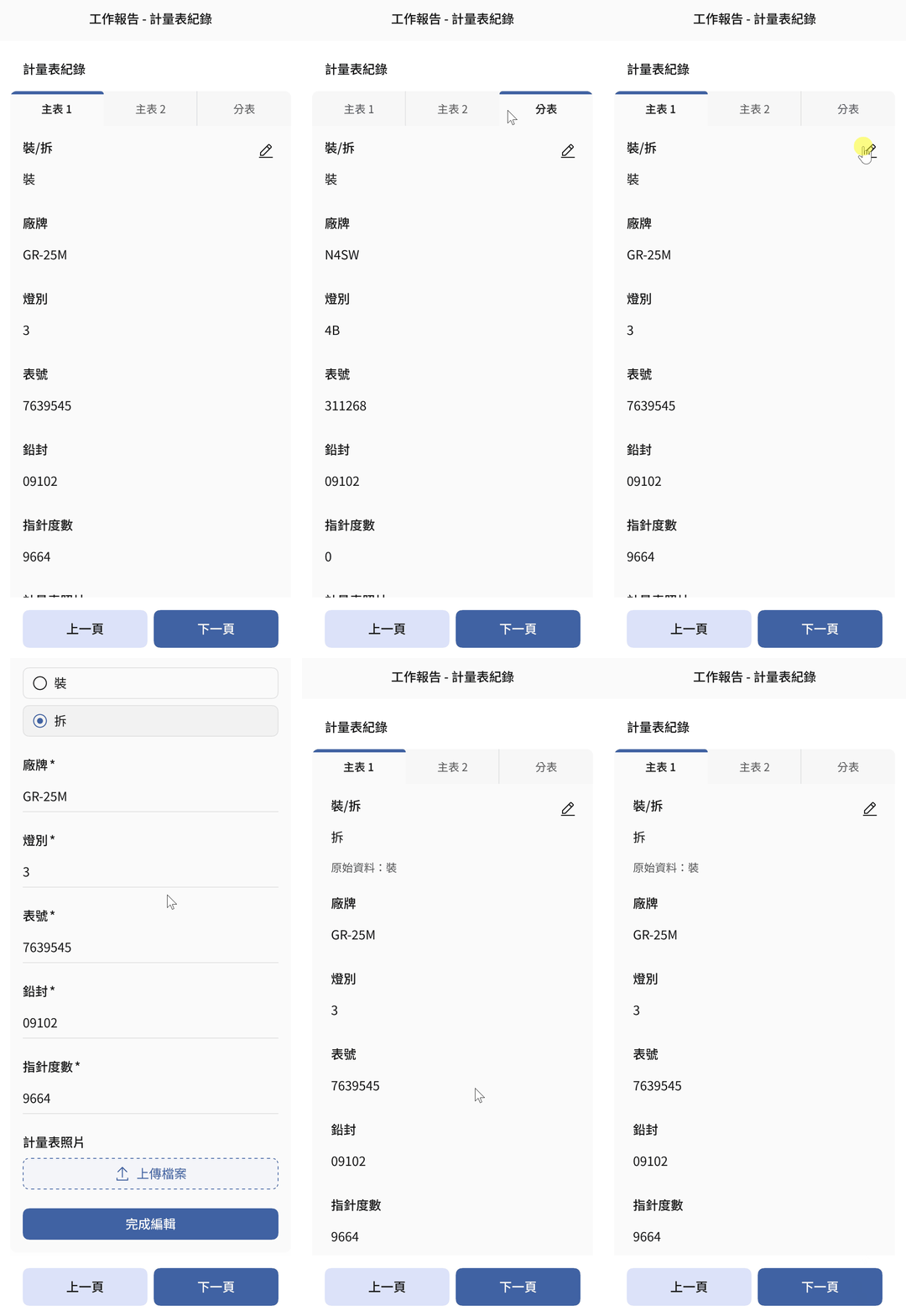
Meter Records: Tabs + Edit Diff
Tabs keep the page compact when multiple meters exist. After editing, both the new value and original data are shown side by side for review comparison.
Material Cost: Checkbox-Driven Dynamic Expansion
Selecting cost categories dynamically expands tab sections; totals calculate automatically.

Review Page: See All Answers Before Submitting
The final page displays all answers at a glance. Tapping any item jumps back to that question for editing before submission.

Design System
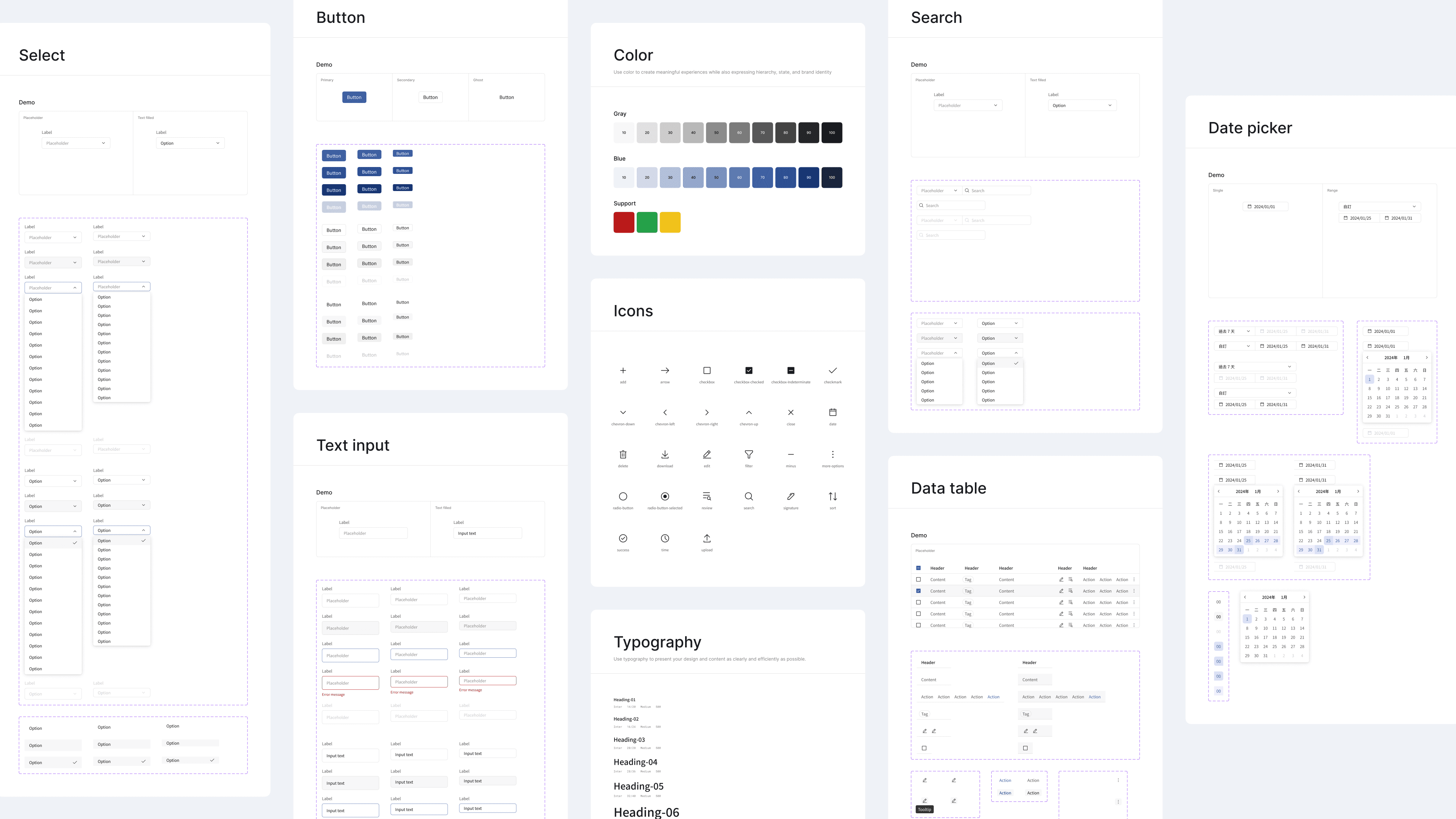
A complete component library covering form, table, and filter components — each with full interaction states defined. Color tokens manage the color system across the board, ensuring visual consistency and making future maintenance more flexible.